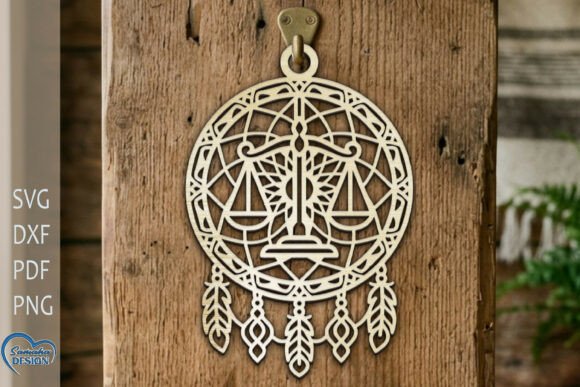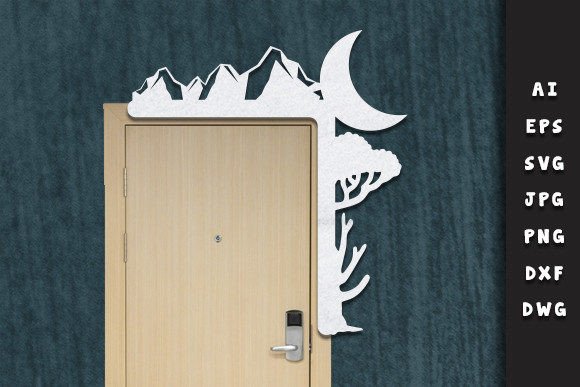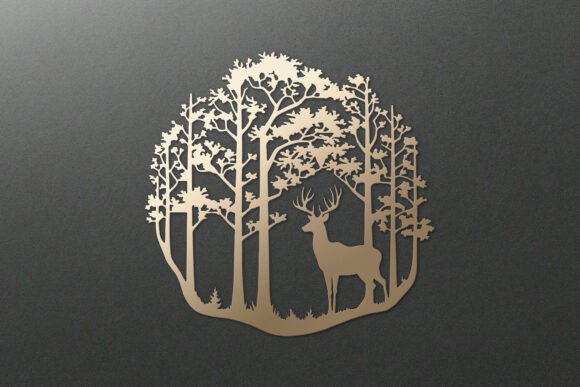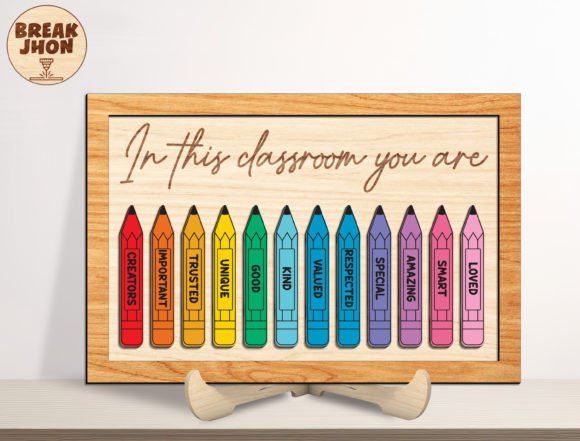
Elegant Rose SVG, DXF, PNG for Laser & Craft Projects
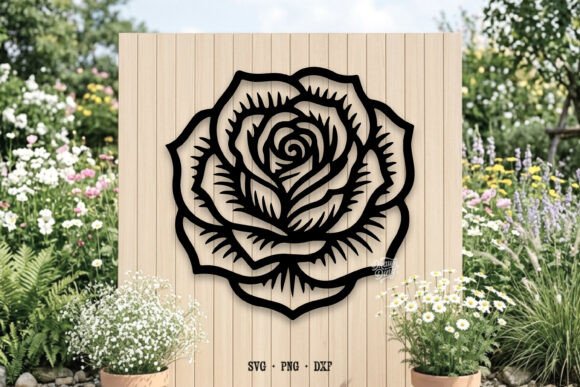
Imagine infusing your next creative project with the timeless beauty and intricate detail of a rose. This versatile design asset, available as a Rose SVG, DXF, Png, Laser Cut File, offers a seamless way to add botanical elegance to a wide range of crafts and professional designs. Whether you're working with a cutting machine or designing for print, this single floral motif can become a cornerstone of your creative toolkit.
This particular file set is thoughtfully prepared for maximum flexibility. Your download includes a scalable vector graphic (SVG) perfect for Cricut and Silhouette Cameo (Designer Edition), a high-quality PNG with a transparent background ideal for sublimation and layering, and a DXF file for use with Silhouette Basic Edition. The files are engineered to work beautifully with popular software like Cricut Design Space, Silhouette Studio, Sure Cuts A Lot, and Make The Cut, ensuring a smooth workflow from design to finished product.
Creative Applications for Your Rose Design
The true value of this design asset lies in its adaptability. It’s not just a single image; it’s a gateway to numerous creative possibilities. Consider how it can elevate your projects:
- Brand Identity & Logo Design: Use the rose as a central element or an accent for logos, business cards, and stationery, conveying sophistication and natural beauty.
- Apparel & Merchandise: Perfect for heat transfer vinyl (HTV) projects on tote bags, t-shirts, and hats, creating custom, professional-looking wearables.
- Home Décor & Signage: Cut the design from wood, acrylic, or cardstock to create stunning wall art, wedding decorations, or personalized home signs.
- Paper Crafts & Invitations: Add a delicate, laser-cut effect to greeting cards, scrapbook pages, and event invitations for a luxurious tactile feel.
- Digital Design: The transparent PNG is excellent for sublimation printing, digital planners, social media graphics, and website accents, providing a clean, professional overlay.
Tips for Selecting and Using Your Design Files
To ensure the best results, keep a few practical considerations in mind. First, always preview the design in your specific software to check for clean lines and scalability. The SVG format is particularly powerful for resizing without losing quality, which is crucial for both small decals and large-format prints.
Think about the mood and context of your project. A detailed rose design suits elegant, romantic, or vintage themes, while a more simplified version might fit modern or minimalist aesthetics. Pairing it with the right typeface is key—consider a clean sans-serif font for contrast or a flowing script font to complement its organic lines. This thoughtful combination can significantly strengthen your visual consistency and brand recognition.
Finally, always verify the license of any design asset you use, especially for commercial projects. A well-chosen, premium design file not only saves time but also ensures your work looks polished and professional, helping you stand out in a crowded creative landscape.
Choosing the right design assets is about more than just aesthetics; it's about finding tools that enhance your workflow and expand your creative possibilities. This comprehensive rose file set provides the flexibility and quality needed to bring your most beautiful ideas to life with precision and style.